 ScreenSage Pro
Getting Started
Launch Screen
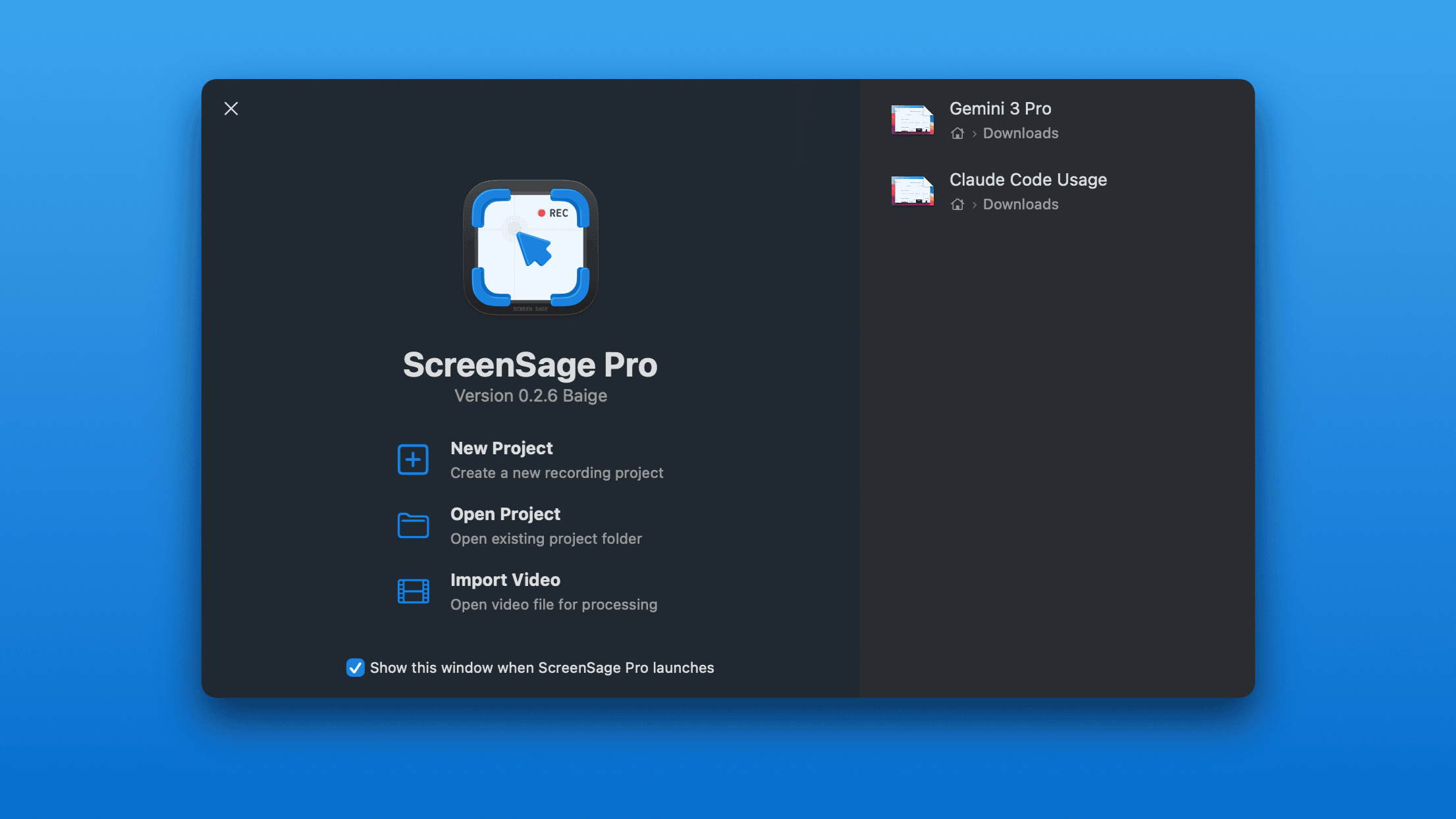
ScreenSage Pro opens to the launch screen by default.
This hub provides quick access to all main workflows: start recording, open projects, import videos, and manage recent projects.
Default Launch Screen
Left side:
- Start a new recording (opens the floating recording panel)
- Open an existing project file
- Create a new project from an existing video
Right side:
- Open or manage recent projects
Recent Projects
The right side of the launch screen lists recently opened projects. Open a project directly, or remove records you no longer need.
If a project file was moved, deleted, or stored on a disconnected drive, confirm the .screensage file location or remove the missing entry.
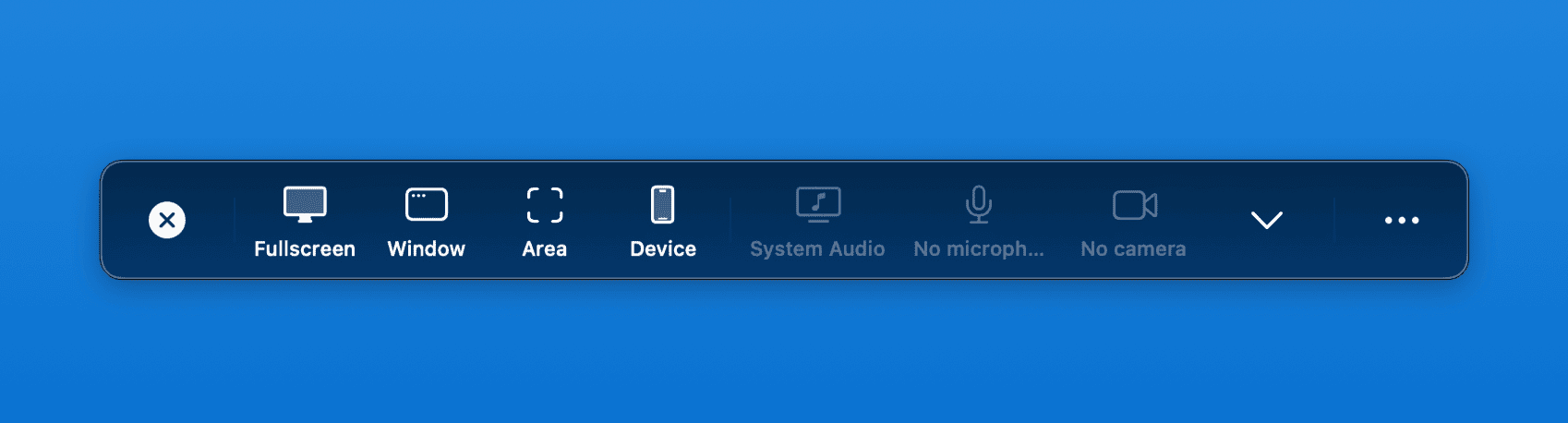
Floating Recording Panel
Prefer to jump straight into recording? Uncheck "Show this window when ScreenSage Pro opens" to launch directly into the floating recording panel.
To restore the launch screen later, go to Window menu → Welcome to ScreenSage Pro, or press ⌘ + Shift + 1.