 ScreenSage Pro
Recording Overview
You can quickly start recording in ScreenSage Pro using the floating panel. We offer flexible recording modes to suit a variety of scenarios.
In addition to the basic recording features, ScreenSage Pro supports multi-device synchronized recording, 2D/3D auto-tracking, and text tracking. These intelligent features can be enabled or disabled in one click, as needed.
Core Recording Modes
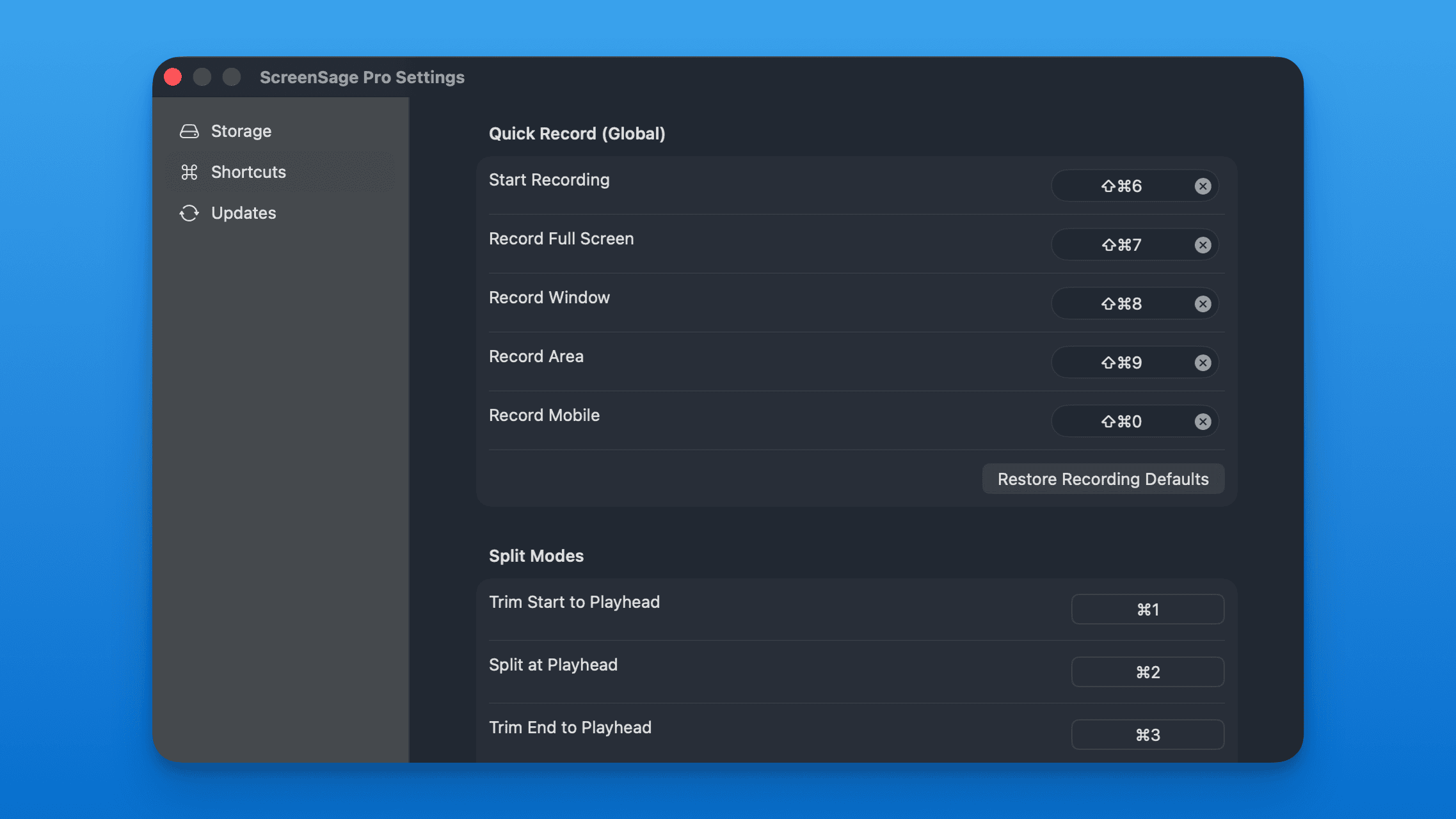
Entire Display
 Capture your full screen with every detail.
Region Recording
Record only a specific area, excluding distractions.
Window Recording
 Focus on a single app window — keeps recording even if you move it.
Mobile Devices
 Capture iPhone or iPad screens directly via USB connection.
Audio & Visual Enhancements
Webcam
 Add a picture-in-picture camera for more engaging presentations.
Microphone
 Select and configure your audio input device.
System Audio
 Capture internal system sound in high fidelity — no virtual audio driver needed.