 ScreenSage Pro
Getting Started
Privacy & Acknowledgements
ScreenSage Pro can send anonymous usage statistics to help us find bugs and decide what to improve. You can turn this off at any time.
Usage Statistics
Open Settings → General, then under Privacy turn Share usage statistics on or off. It is on by default.

- What's included: app launches and the outcome of recording, importing, editing and exporting (such as export format, resolution, duration and file size), along with app and macOS version, Mac model and license status.
- What's never included: file paths, file names, or the content of your recordings and videos.
- When it's off: ScreenSage Pro sends nothing, including on the next launch.
Turning usage statistics off doesn't change any feature. License checks and update checks work as usual.
Acknowledgements
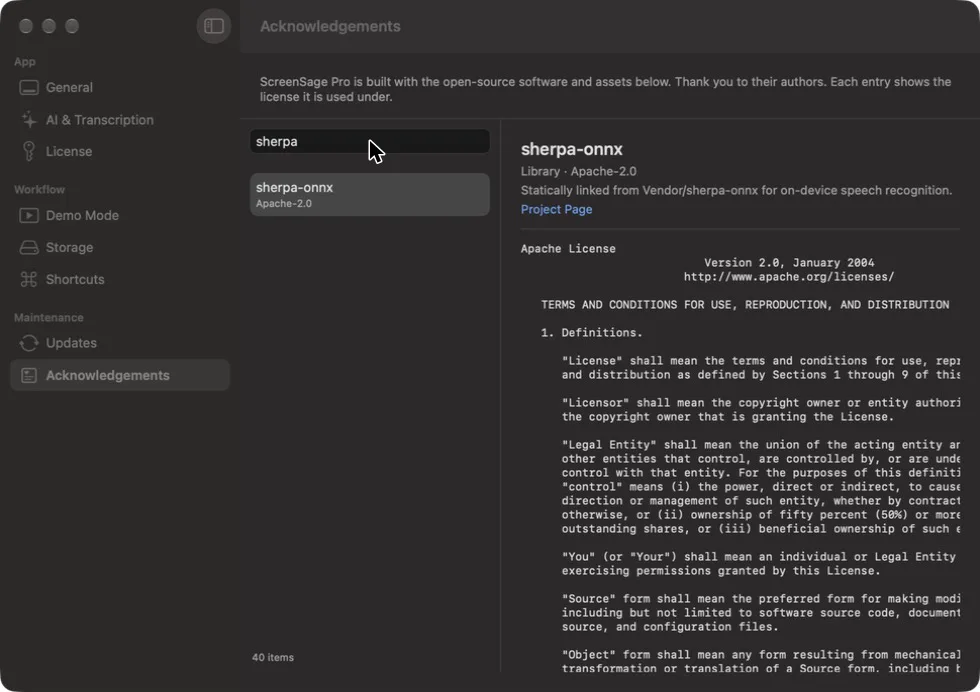
Open Settings → Acknowledgements to see the open-source software, models and assets ScreenSage Pro uses, with each one's license. You can search the list and open each entry's full license and project page.