 ScreenSage Pro
Mask Basics
Masks select a region of the video so you can focus, magnify, or decorate it.
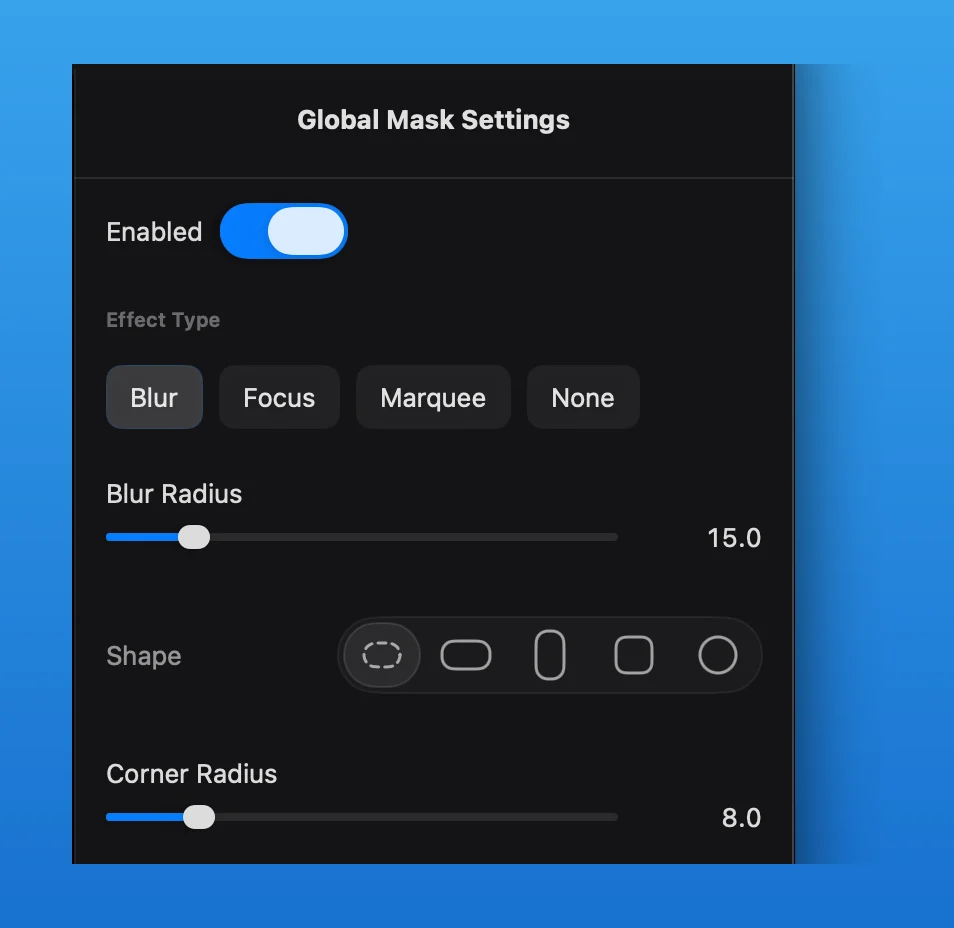
The mask settings combine the enable switch, effect type, shape, and shape-specific controls. Choose the region in the preview, then decide whether the effect should remain global or appear only during a timeline range.
Add a Mask
Add a mask range on the mask track, then adjust the editable region in the preview.
Choose a Shape
Use freeform, landscape rectangle, portrait rectangle, square, or circle depending on the interface area you want to cover.
Manage Mask Ranges
A mask may apply globally or within a timeline range. Before deleting the current mask or clearing the global mask, confirm which time range will be affected.
For advanced effects, see Mask Focus and Marquee Masks.