 ScreenSage Pro
Mask Focus
Focus guides attention to a specific region such as a button, input, code block, or click target.
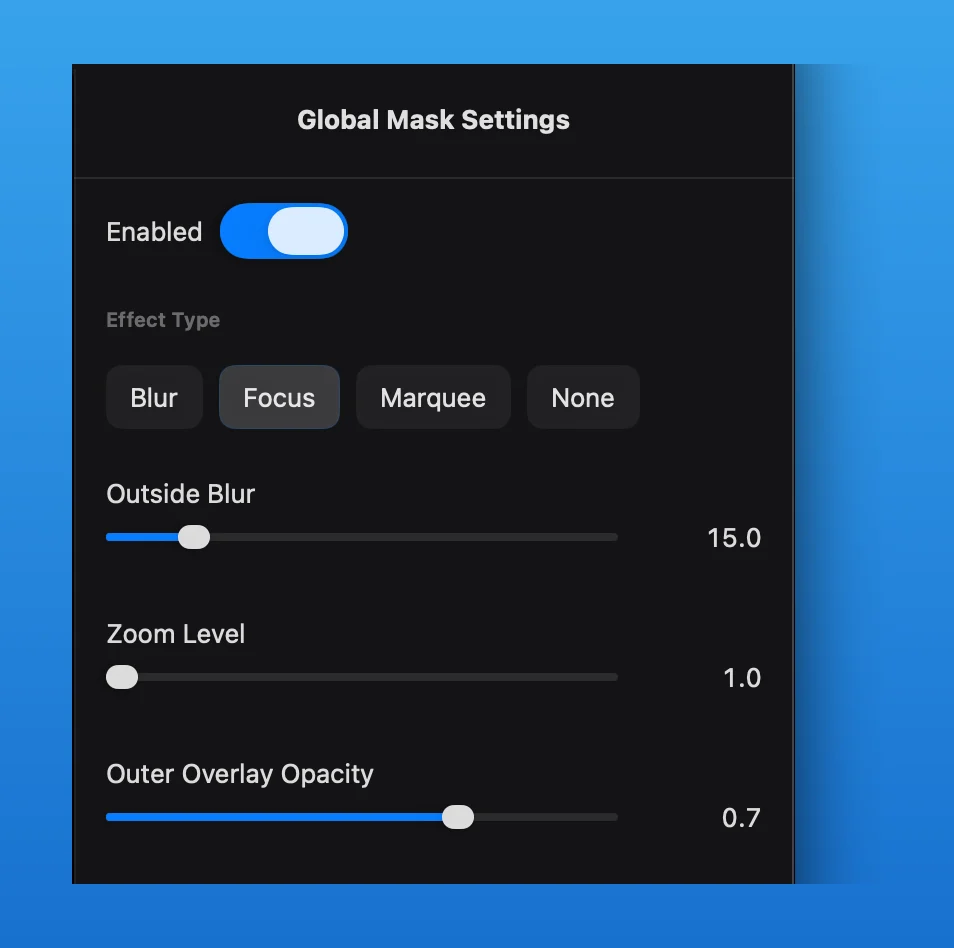
Add a Focus Mask
- Move the playhead to an empty position on the Mask Track, then insert a mask segment.
- Select the segment and choose
Focusin the Mask Inspector. - Position and resize the mask in the preview.
Focus provides these controls in one effect:
Zoom Levelenlarges the content inside the mask.Outside Blursoftens surrounding detail.Outer Overlay Opacitydarkens the surrounding area.- Shape and corner radius define the focus boundary.
Animate Zoom Centerlets the focal point move with the mask.
Keep enough surrounding context for viewers to understand where they are. Use the overlay when the interface should remain recognizable; increase outside blur when surrounding details should recede more strongly.
The mask segment determines when the focus effect appears. Use a Zoom Track segment instead when the whole composition needs to move into a different area.