 ScreenSage Pro
Microphone
ScreenSage Pro can record multiple microphone inputs simultaneously — useful for instruments, interviews, or multi-person sessions.
Microphone Selection
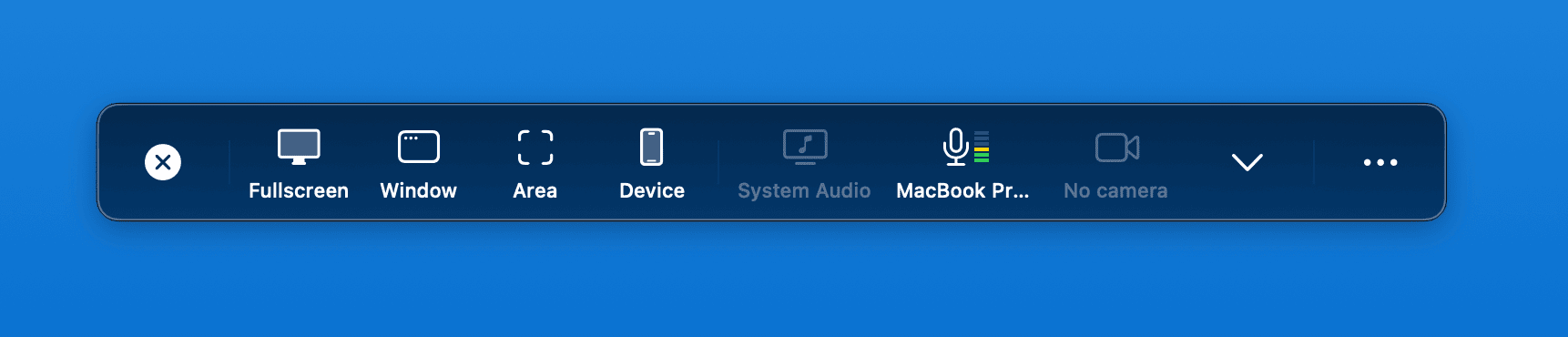
When no microphone is selected, the recording panel shows "No microphone". Click to select one.
Select a microphone
Choose "Default (auto-detect)" to use your system's default input — convenient when using an external mic. Or manually select multiple devices.

Microphone preview
Once selected, the panel displays the device name and a live audio level meter to confirm everything is working.