 ScreenSage Pro
Start Recording
In ScreenSage Pro, quickly start a new recording via the floating Recording Options Panel using ⌘+⇧+6.
Recording Options Panel
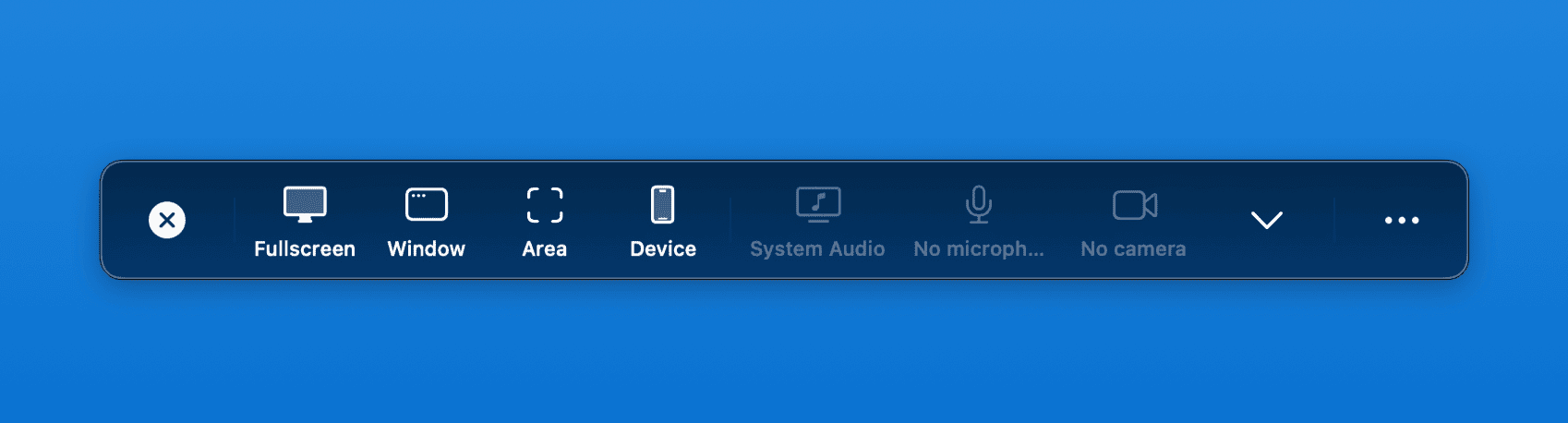
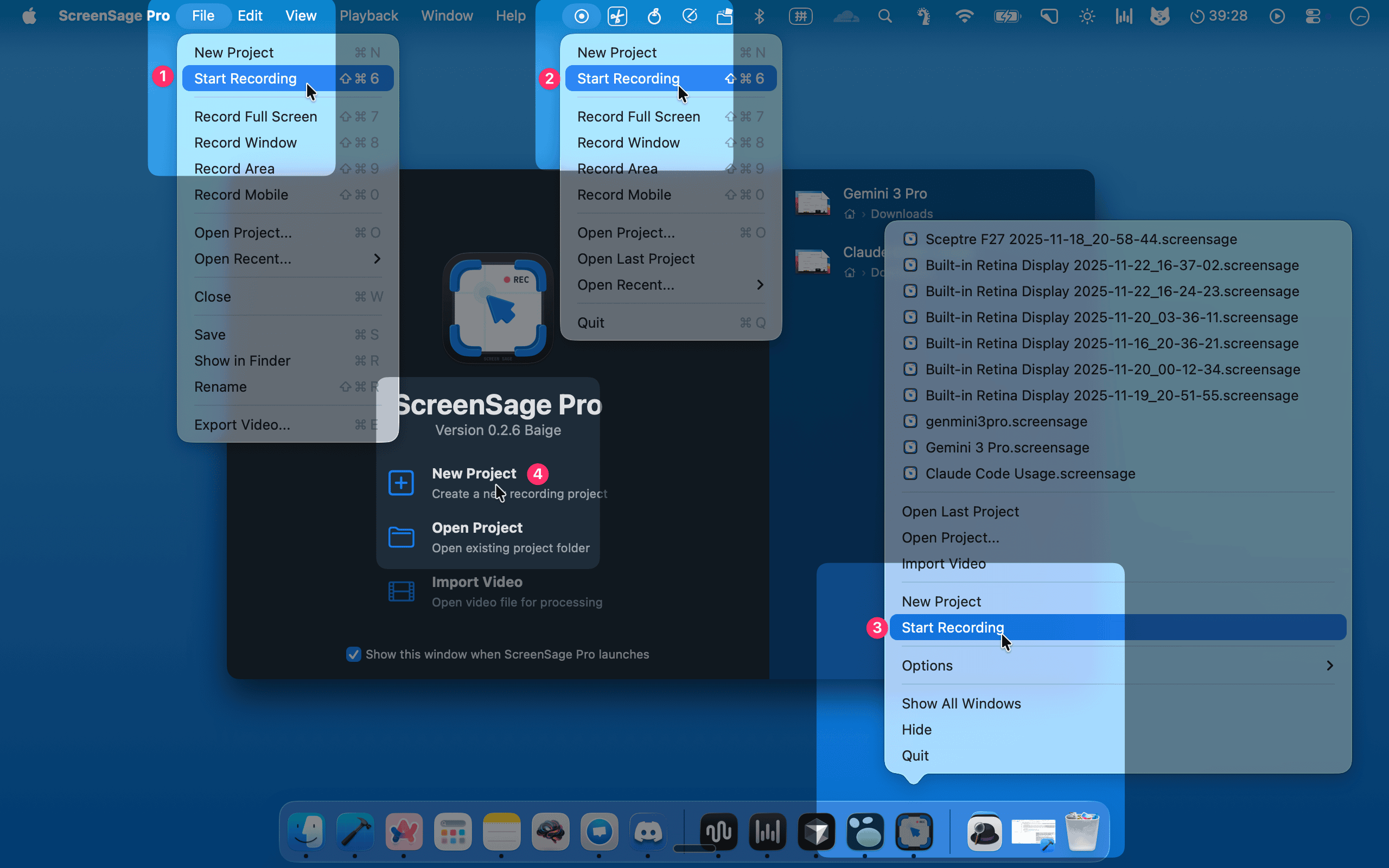
Opening the Panel
You have four ways to open the Recording Options Panel:
Recording Panel Settings
Open the panel's options menu to review:
- Recording Engine: Use the Modern engine for current macOS capture features. The Legacy engine disables system-audio capture and is mainly a compatibility fallback.
- Frame Rate: Choose 24, 30, 60, or 120 fps based on motion and device performance.
- Microphone Gain: Choose Automatic, Boost, or None. Watch the input level before using Boost.
- Countdown: Choose no countdown or 1, 2, or 3 seconds. Press
Escduring the countdown to cancel before capture begins. - Permissions and Shortcuts: Open permission management from the options menu; manage recording shortcuts in ScreenSage Pro settings.
Also confirm whether you need Interaction Recording, Demo Mode, or the Teleprompter.