 ScreenSage Pro
Recording Shortcuts
Use keyboard shortcuts to instantly open the recording panel or jump into a specific recording mode.
Default shortcuts:
- Open Recording Panel: ⌘⇧6
- Entire Display: ⌘⇧7
- Window Recording: ⌘⇧8
- Region Recording: ⌘⇧9
- Device Recording: ⌘⇧0
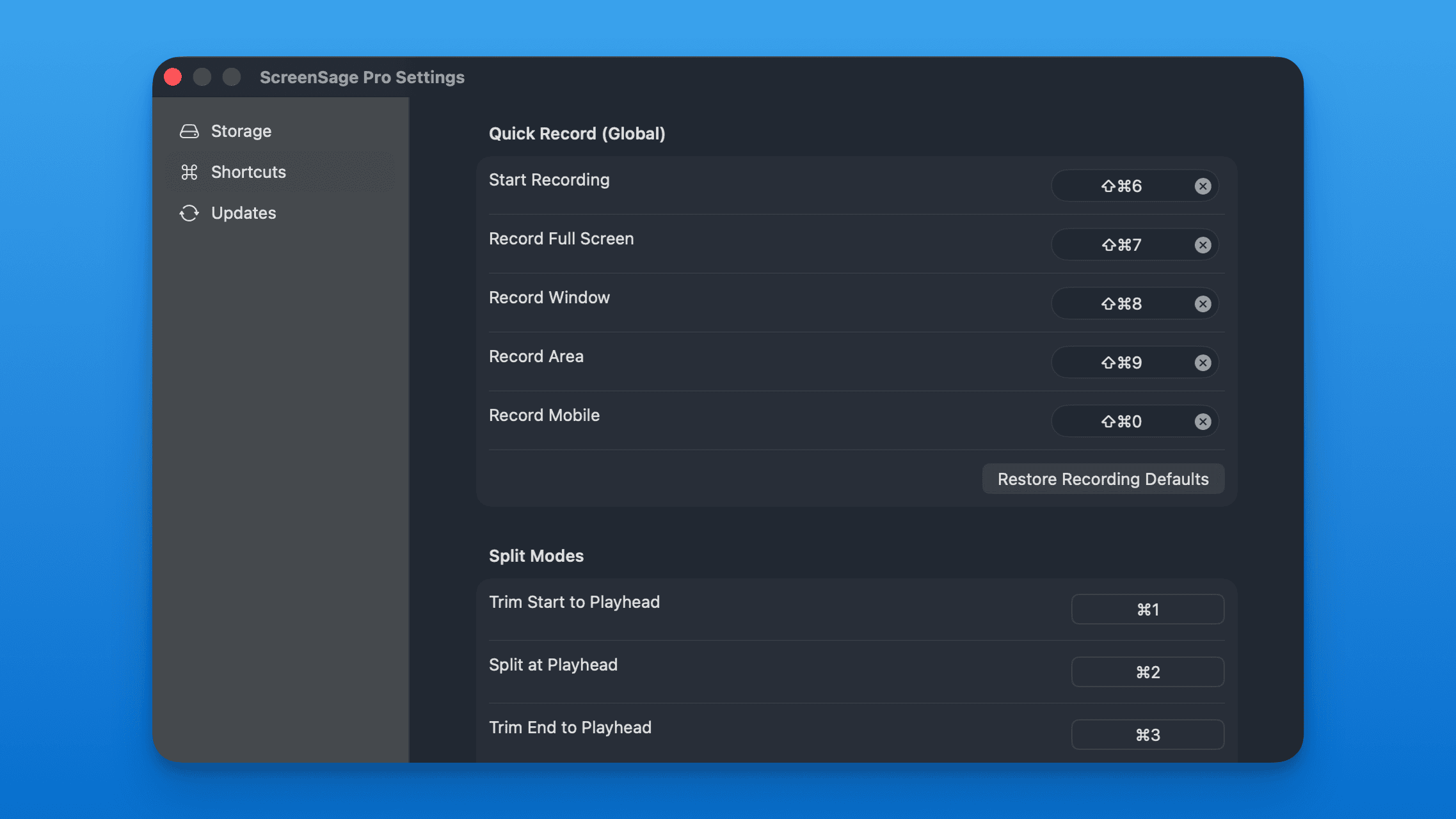
You can view and customize these shortcuts in Settings.